People who search for "types of web development" usually want one of two answers. Students want to know the jobs: front end, back end and full stack. Business owners want to know what they're actually paying for: a simple website, a WordPress site, an online store or a custom web app. This guide covers both, starting with the jobs.
A few numbers first. WordPress runs 40.1% of all websites, and 31.6% of sites use no content management system at all, according to W3Techs on 7 October 2026. JavaScript is used by 66% of developers, more than any other language, in the 2025 Stack Overflow Developer Survey. And in India, having a site built costs anywhere from ₹15,000 for a basic business website to ₹1,50,000 or more for a custom web app.
I'm Keshav from GIT Infosys. I work on the marketing side, not the coding side, so I've written this for the person who pays for the website: what each type is, what it costs, and when it's the wrong choice.
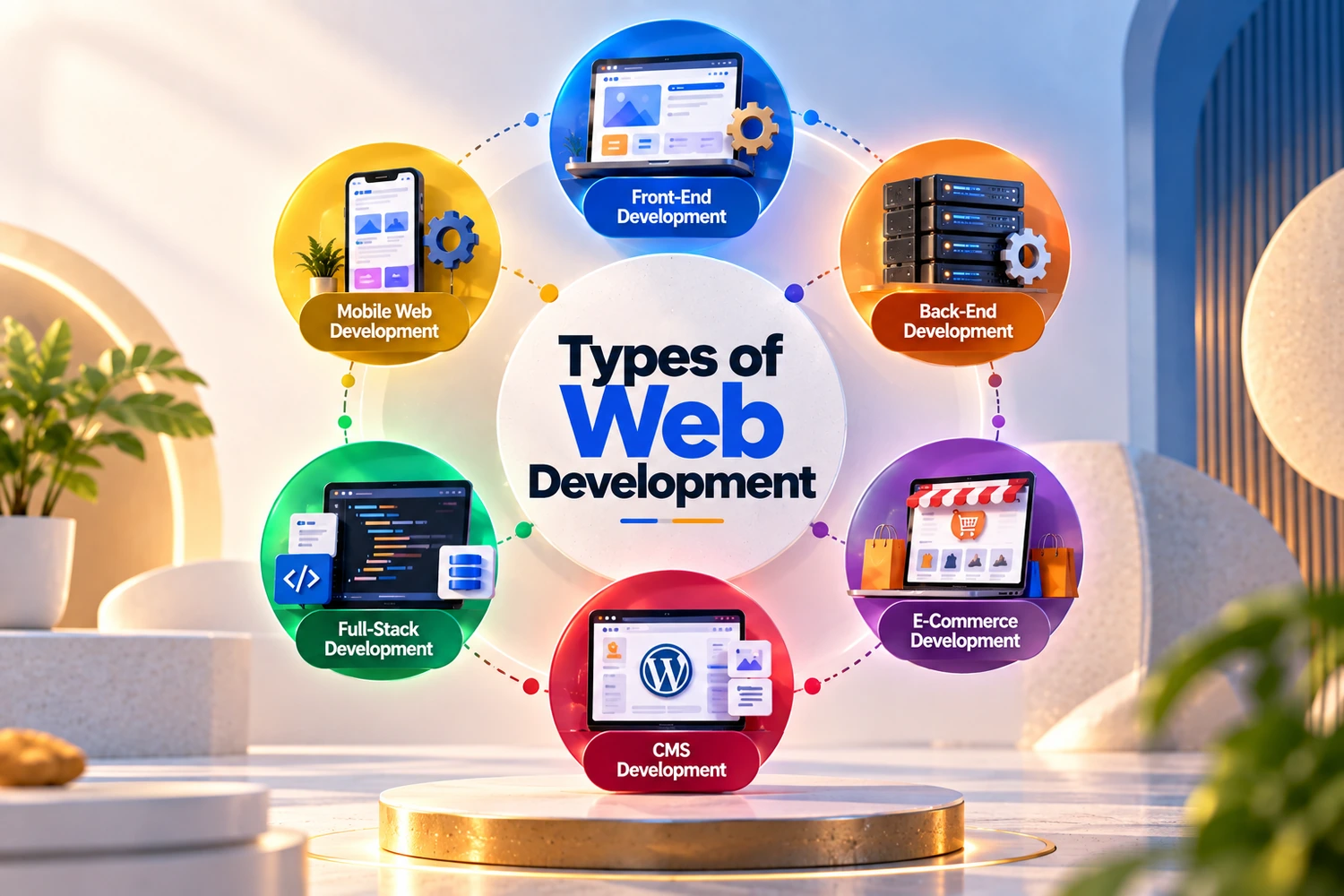
What Is Web Development?
Short answerWeb development is the work of building websites and web apps: the code that runs in your browser, the code that runs on a server, and the database that stores everything. Web design is a separate job. It decides how the site looks before that code is written.
Here's an easy way to picture it. Open any online store. The menu, the product photos and the "Add to cart" button are the front end. Checking stock, taking the payment and emailing your receipt all happen on the back end. The list of products, prices and orders lives in the database.
The 3 Types of Web Development
Sorted by the kind of work involved, there are three main types. Most job listings, courses and agency teams are organised around them.
Front endruns in the browser
JavaScript66%HTML/CSS61.9%React44.7%
Back endruns on the server
Node.js48.7%PHP18.9%Laravel8.9%
Databasestores the data
SQL58.6%MySQLPostgreSQL
Share of developers who used each technology in the past year, from the Stack Overflow Developer Survey 2025, all respondents. A full-stack developer works across all three layers.
Front-end development
Front-end developers build everything you see and touch: layouts, menus, forms, buttons, sliders, and the way a page rearranges itself on a phone. They write HTML for the structure, CSS for the look and JavaScript for anything that moves or responds, often with a framework like React.
Accessibility is front-end work too. Proper headings, alt text on images and enough contrast between text and background decide whether someone using a screen reader, or someone with weak eyesight, can use the site at all.
Back-end development
Back-end developers build the parts you never see: the server, the database, logins, payments, search, and the code that emails you when someone fills in a form. Common choices are PHP (often with Laravel), Node.js and Python, working with a database like MySQL or PostgreSQL.
Back-end limits stay invisible until you hit one. Our own blog runs on a custom back end, and in September 2026 a long post simply refused to save. The editor showed the page perfectly. The database didn't agree. The field that stores each post's text holds at most 65,535 bytes, and that post was about 72 KB. We trimmed the post to fit, and the proper fix, a bigger field type, is a one-line change on the server.
Full-stack development
A full-stack developer handles both ends. For a small business site or the first version of an app, one good full-stack developer is often the most practical choice, with fewer handovers and one person who understands the whole thing. On bigger projects the work usually splits again, because hardly anyone is equally strong at everything.
You'll also hear about mobile app development, which builds apps for Android and iPhone, and DevOps, which keeps servers and releases running smoothly. Both are close relatives of web development rather than types of it.
Front End vs Back End Development
The quickest way to tell them apart is to ask what breaks, and who notices.
Front end
Where it runsYour visitor's browser, on their phone or laptop.
Built withHTML, CSS and JavaScript, often with React.
You notice it whena button doesn't work on your phone, or the page jumps as it loads.
A typical jobMaking the product filter usable on a 6-inch screen.
Back end
Lives onA server you rent or own, plus a database.
LanguagesPHP, Node.js or Python.
When it failsOrders don't arrive, logins break, or the whole site goes down.
Example taskConnecting checkout to Razorpay and updating stock after each sale.
The expensive problems are often on the back end, like a contact form that quietly stops sending enquiries, because nobody sees them happen. Send yourself a test enquiry once a month.
6 Web Development Solutions for Businesses
This is the second meaning of "types of web development": the kind of site you're paying for. These are the six we're asked about most, from the simplest to the most complex.
Static website
A set of fixed pages that a developer edits for you. There's no admin panel and no database, so there's very little to go wrong. It's fast, cheap to host at about ₹1,500 to ₹4,000 a year, and hard to hack.
It suits doctors, lawyers, CAs and small shops whose details rarely change. The catch is that every change, even a new phone number, means messaging your developer.
CMS website (usually WordPress)
A site with an admin panel, so you can edit pages, add blog posts and swap photos yourself. WordPress is the usual choice, and it runs 40.1% of all websites, so developers, themes and help are easy to find in any city.
Watch outEvery plugin you add is one more thing to keep updated, and plugins are where most WordPress security problems start. Keep the list short.
If you'd like help building one, see our WordPress development services.
Ecommerce website
A store with a catalogue, cart, payments and an order dashboard. Most small and mid-sized stores in India choose between Shopify and WooCommerce, which is WordPress with a store plugin. Shopify looks after the hosting and checkout for you, from ₹1,499 a month on the Basic plan paid yearly. WooCommerce gives you more control, but the hosting and updates are your job.
Either way, payment gateways like Razorpay and PayU take about 2% of each sale. We cover the Shopify side in more detail on our Shopify development company page.
From our client work · Dekulture, Jaipur
Dekulture runs five export brands, and each brand has two websites. The .store sites run on WordPress and are built for wholesale and export buyers. The .shop sites are Shopify stores for retail customers, with checkout by card or Razorpay in rupees.
In September 2026 we wrote the content for the WordPress stores and audited the Shopify ones. It's a good example of one business needing two solutions, because a wholesale buyer and a single shopper don't want the same things from the same brand.
Custom web application
Software that runs in the browser: booking systems, customer portals, dealer logins, dashboards and CRMs. It's built with frameworks like Laravel, React or Next.js, usually with its own database, and it can connect to the ERP, CRM and enterprise apps you already use.
Before you commission oneSpend a week trying the ready-made tools. If one already does most of what you need, it's usually the better deal than building from scratch.
Progressive web app (PWA)
A website that behaves like an app. People can add it to their home screen, it loads quickly on weak networks and it can work partly offline, with nothing to download from the Play Store.
Flipkart is the best-known Indian example. In 2015 it shut its mobile website to push everyone towards its app, then came back that November with Flipkart Lite, a PWA. People spent three times as long on the site, re-engagement rose by 40%, and the site used a third as much data, according to the case study Google published.
PWAs still have limits on iPhones, where web push notifications only work after the site has been added to the home screen. If you need deep phone features, a proper mobile app is the better route.
Headless website
The content sits in a CMS, and a separate front end, often built in Next.js, shows it on the website, an app or anywhere else. It's fast and flexible, and large publishers and brands selling on several channels use it. Next.js was used by 20.8% of developers in the 2025 Stack Overflow survey.
For most small businesses it's more than they need. You pay for two systems, and you need a developer for changes a normal CMS would let you make yourself.
The Main Solutions Compared by Cost and Time
Here are the four you're most likely to be choosing between. PWAs and headless sites are usually priced like custom web apps, because they need the same kind of developer.
| Solution | Who updates it | Build time | Price in India (before 18% GST) |
|---|---|---|---|
| Static website | Your developer | 1 to 3 weeks | ₹15,000 to ₹50,000 |
| CMS website | You, from an admin panel | 3 to 6 weeks | ₹30,000 to ₹1,50,000 |
| Ecommerce website | You, from the store dashboard | 4 to 10 weeks | ₹50,000 to ₹5,00,000 |
| Custom web app | You for content, a developer for new features | 2 to 6 months | ₹1,50,000 to ₹10,00,000 |
The big jump is from a CMS site to a custom web app. If a plugin or a Shopify app can do the job, you'll usually save ₹1 lakh or more.
Full price breakdowns by platform and city are in our guide to website development cost in India.
How to Choose the Right Solution
Answer these five questions in order, and the choice mostly makes itself.
- Who will update the site? If it's always going to be your developer, a static site is enough. If it's you, you need a CMS.
- Do you sell online? Then it's an ecommerce site, and the real question becomes Shopify or WooCommerce.
- Do customers or staff need to log in? Logins, bookings and dashboards point to a custom web app.
- Do people come back every day on their phones? Try a PWA before paying for an app.
- What's the honest budget? Under ₹50,000, stick to a static or CMS site and spend what's left on good photos and content.
The order of work is the same whichever you pick. Our guide to the website development process walks through it step by step, with a week-by-week timeline.
Web Development Best Practices in 2026
Whatever you build, a few habits decide whether the site lasts five years or needs rebuilding in two.
- Build for phones first. Start layouts at a narrow phone width and scale up, not the other way round.
- Hit Google's speed targets. Core Web Vitals ask for the main content within 2.5 seconds, a response to a tap within 200 milliseconds, and a layout shift score of 0.1 or less. Our notes on Shopify speed optimization show what that looks like in practice.
- Use HTTPS everywhere. Free certificates exist, so there's no reason for a "Not secure" warning.
- Keep code in version control, usually Git, so every change can be traced and undone.
- Back up the site and database at least weekly, and check now and then that a backup actually restores.
- Plan for search from the start. One main topic per page, a clear title, and a URL that says what the page is about.
- Keep plugins and add-ons to the minimum and update the ones you keep.
What's Changing in Web Development
A few shifts are worth knowing about before you brief a developer.
AI features are moving into everyday websites. Chat on product pages, smarter site search and drafts written inside the CMS are now common requests. We wrote more about this in AI web development.
Responsiveness counts for more. Interaction to Next Paint replaced First Input Delay as a Core Web Vital in March 2024, which puts more weight on heavy JavaScript slowing down taps and clicks.
AI search answers questions directly. ChatGPT and Google's AI Overviews now answer a lot of questions on the results page, so a page that answers its question clearly near the top stands a better chance of being quoted.
For the visual side of things, see our round-up of web design trends.
Freelancer, Agency or In-House Developer?
For a static site or a simple CMS site, a good freelancer is often enough and usually cheaper. The risk is that one person is the whole team. If they get busy or move on, your site waits.
An agency costs more, but you get design, development and testing in one place, and someone is still around in three years. An in-house developer only makes sense once there's work every week, like a store adding products daily or a web app with regular new features.
If you'd rather learn it yourself, start with the front end (HTML, then CSS, then JavaScript) before you touch the back end. We also run a web development course in Jaipur if you'd like to learn with a tutor.
Common Mistakes When Choosing a Web Development Solution
- Paying for a custom web app when a plugin would do.
- Choosing a static site, then wanting to edit it yourself every week. You'll either pay for every change or rebuild within a year.
- Picking a platform because a friend uses it, rather than because it fits how you sell.
- Building an app before the mobile website works well. Most people will meet you on the website first.
- Letting the developer own the hosting, domain or code. Get all of it in your name from day one.
- Forgetting the yearly costs. Hosting, plugin licences, Shopify's monthly plan and gateway fees all come back every year.
Frequently Asked Questions
What are the types of web development?
By the work involved there are three: front end, which runs in the browser, back end, which runs on servers and databases, and full stack, which covers both. By what you're buying, the 6 common types are static sites, CMS sites, ecommerce sites, web apps, PWAs and headless sites.
How many types of web development are there?
Three main types by role: front end, back end and full stack. Some lists add mobile app development and DevOps to make five, but those are related fields rather than web development itself.
What is the difference between front end and back end development?
Front end is the part people see and click, built with HTML, CSS and JavaScript. Back end runs on the server and handles data, logins and payments in languages like PHP, Node.js or Python. In the 2025 Stack Overflow survey, 66% of developers used JavaScript.
Which type of website is best for a small business?
Usually a CMS website such as WordPress, which costs ₹30,000 to ₹1,50,000 in India, because you can update it yourself. If you sell products online, start with Shopify or WooCommerce instead.
Is WordPress front end or back end?
Both. Its admin panel and PHP code are the back end, and the theme your visitors see is the front end. That mix is part of why it powers 40.1% of all websites.
What is full stack web development?
It means one developer or one team builds both the front end and the back end. It suits small projects and first versions, where fewer handovers save time, and a small business site can often be built this way in 3 to 6 weeks.
What are web development solutions?
They're the different kinds of website or web software a business can have built: static sites, CMS sites, online stores, custom web apps, PWAs and headless sites. Prices in India run from ₹15,000 to ₹10,00,000 or more.
What is web development called in Hindi?
In Hindi it's usually called वेब डेवलपमेंट or वेबसाइट बनाना (website banana). It covers the same 3 parts: the front end, the back end and the database.
Pick the simplest solution that does the job you need this year. A clean CMS site that brings in enquiries is worth more than a clever web app nobody finished, and you can always build the bigger thing once the smaller one has paid for itself.
Sources: W3Techs, CMS usage statistics; Stack Overflow Developer Survey 2025, technology; Progressier, PWA case study figures including Flipkart; MediaNama on Flipkart's mobile website relaunch; CoreWebVitals.io on Google's Core Web Vitals thresholds; Patchstack, State of WordPress Security in 2026; WebKit on web push for iPhone web apps; Shopify India pricing. Usage figures checked 7 October 2026. Prices and build times are from our website development cost guide, October 2026. Client details are from our Dekulture work in September 2026.